From the agency
From legacy burden to modern IT solution
TL;DR – the short version: Legacy systems don't automatically need replacing. Often you can connect them to modern applications and develop them step by step. What matters is knowing when integration still makes sense – and when modernisation becomes the better option.
Why legacy systems become a challenge
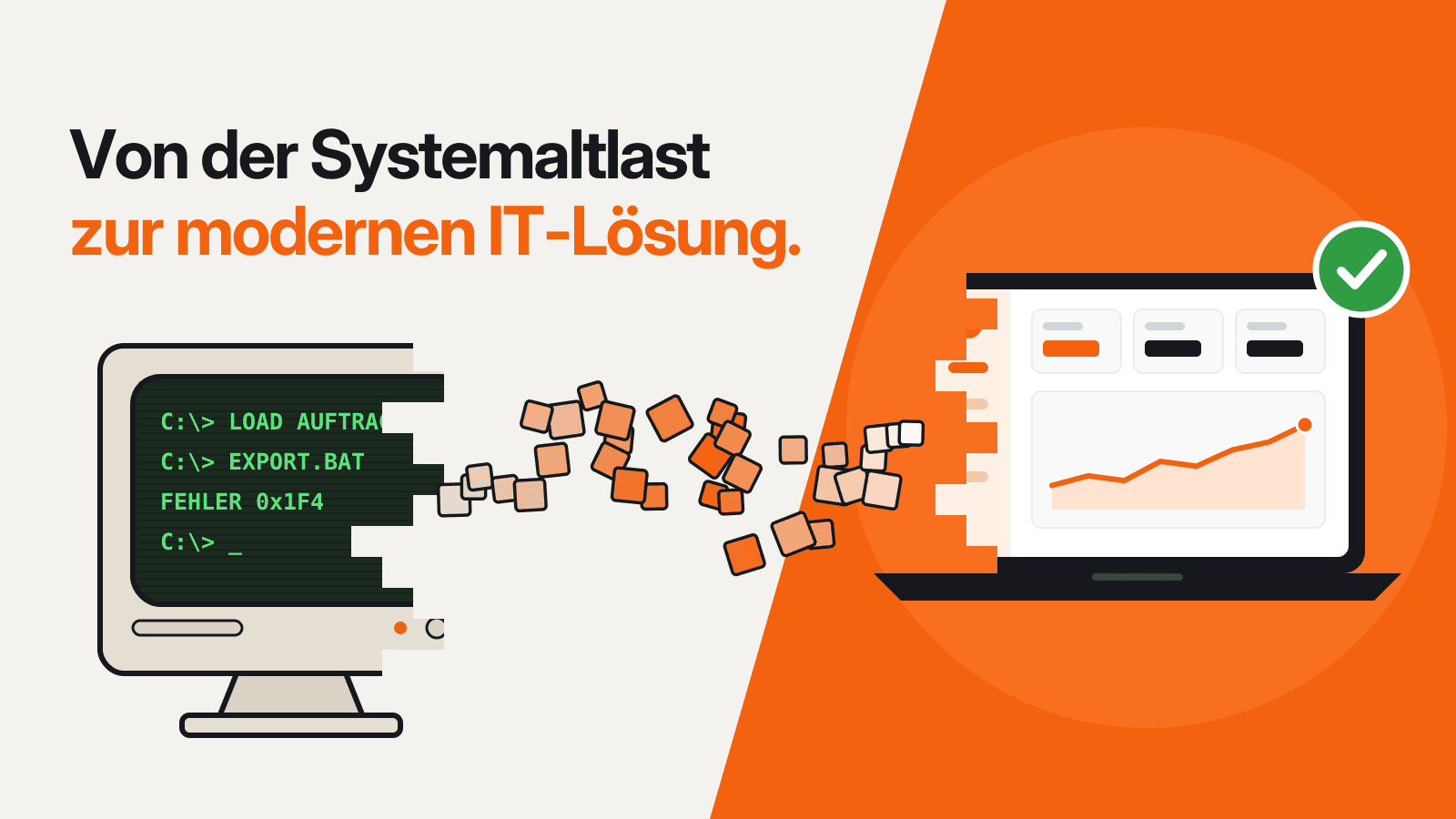
A system that has run reliably for years doesn't sound like a problem at first. Quite the opposite: it supports key business processes, stores valuable data and is firmly embedded in the company. So why change something that works?
The challenge usually comes from elsewhere: the IT landscape around the existing system keeps evolving. New applications are added, processes are digitised and requirements change. At the same time, the existing system is expected to stay in use. And that's exactly where the trouble often starts.
Many of these systems were built at a time when today's technical possibilities simply weren't a factor. Cloud applications, modern
interfaces and connected systems are now part of everyday life – but for older software they're not always a given. That makes it harder to connect new applications and develop existing processes further.
That doesn't mean a legacy system automatically has to be replaced, though. A complete replacement can be complex, expensive and risky – especially when the existing system is deeply woven into your business processes.
What exactly is a legacy system?
A legacy system is existing software or an IT application that has been in use for a long time. It was often built for technical requirements that no longer exist in the same form. Even so, it frequently still performs important tasks in the company.
‘Legacy’ doesn't automatically mean a system is outdated or bad. What matters is that the software is based on an older technical foundation and may therefore be difficult to connect to new applications or technologies.
Replace or integrate? The key question
When an existing system is technically out of date, replacing it seems the obvious choice at first. In practice, though, it's often much more involved. Systems that have grown over the years are usually closely tied to business processes, data and other applications. A full replacement can therefore take a lot of time and resources and bring new risks with it.
Integration can be an alternative. If the existing system still works reliably and provides important data or functions, you don't necessarily need to replace everything. Instead, it can be connected to modern applications.
It's a different story when the technical foundation itself becomes the obstacle. If key interfaces are missing, new requirements are hard to implement or the system is slowing your business processes down, integration alone may no longer be enough.
So the age of the software isn't the deciding factor on its own. What matters far more is which tasks the system still performs, what technical capabilities it offers and how well it connects to the rest of your IT landscape.
When old software suddenly has to speak ‘modern’
Modern applications often communicate with each other via APIs (Application Programming Interfaces). Put simply, these are interfaces through which
different systems can exchange data and communicate with each other. That's not always the case with older systems. Some were built at a time when this kind of connectivity wasn't a consideration.
To let a legacy system work with new applications anyway, an additional integration layer is often used. It connects the old system with the modern application and makes sure both sides can talk to each other.
This has one big advantage: the existing system doesn't need to be fundamentally changed straight away. Its functions and data stay in use, while new applications can access them.
That way, an older system can become part of a modern IT landscape without having to replace the entire software right away.
From API to iPaaS: ways out of the legacy trap
There are various technical options for connecting a legacy system to modern software.
One is an API through which applications can exchange data. For more complex requirements, an additional integration layer can be used to mediate between several systems.
For larger and distributed system landscapes, there's also iPaaS (Integration Platform as a Service). Here, different applications and data sources are connected via a shared platform.
Which solution makes sense depends on the use case. What matters is that the connection works reliably and can be maintained in the long term.
When the bridge itself becomes the problem
An integration solution can connect a legacy system to modern software. But it needs maintaining just like any other software.
Interfaces have to be monitored and tested. If one of the connected systems changes, the integration may need to be adapted. Over time, this can create yet another layer of technical debt.
That's why integration isn't a one-off fix. It only works in the long run if it's regularly maintained and developed further.
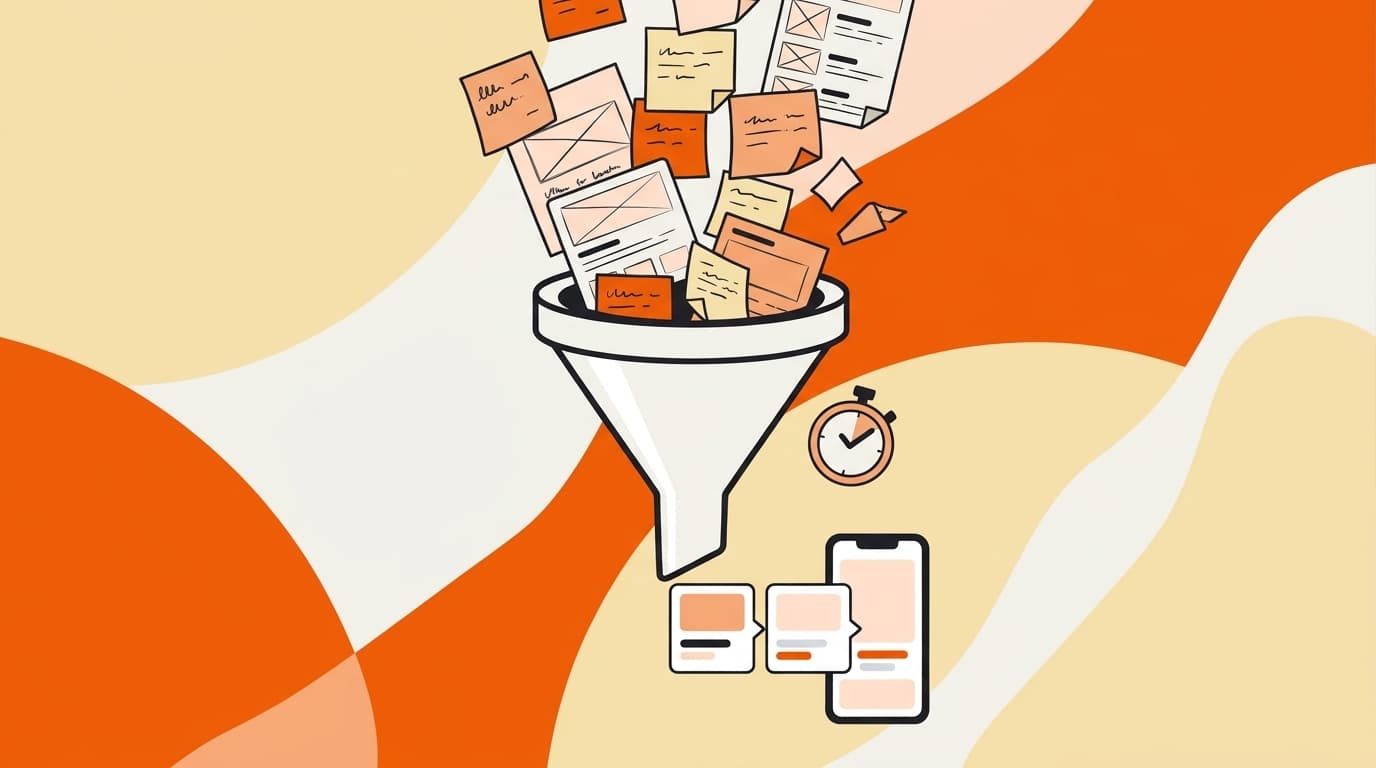
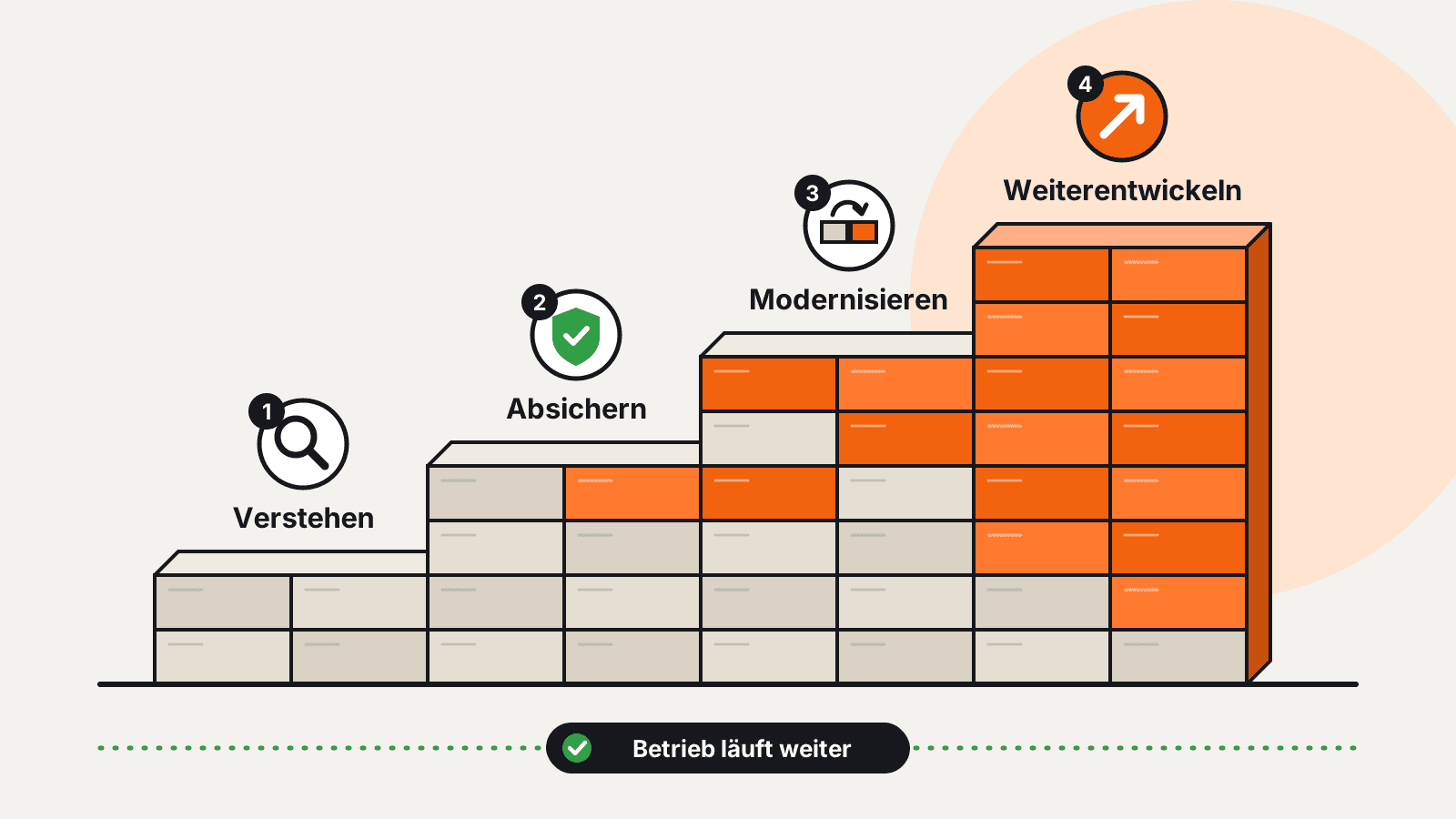
Step by step rather than all at once
Completely replacing a system that has grown over time isn't always necessary. It often makes more sense to modernise individual areas one at a time.
1. Understand what's there
First, you check which functions, data and dependencies are actually needed.
2. Secure the basics
Tests and clear interfaces create a safe foundation for further changes.
3. Modernise individual areas
Individual components are renewed step by step while the rest of the system keeps running.
4. Keep developing
The new solution gradually takes over more tasks. Bit by bit, a more modern system landscape emerges.
trefox uses the same principle when modernising its own platform: systems that have grown over time are modernised step by step while day-to-day operations carry on.
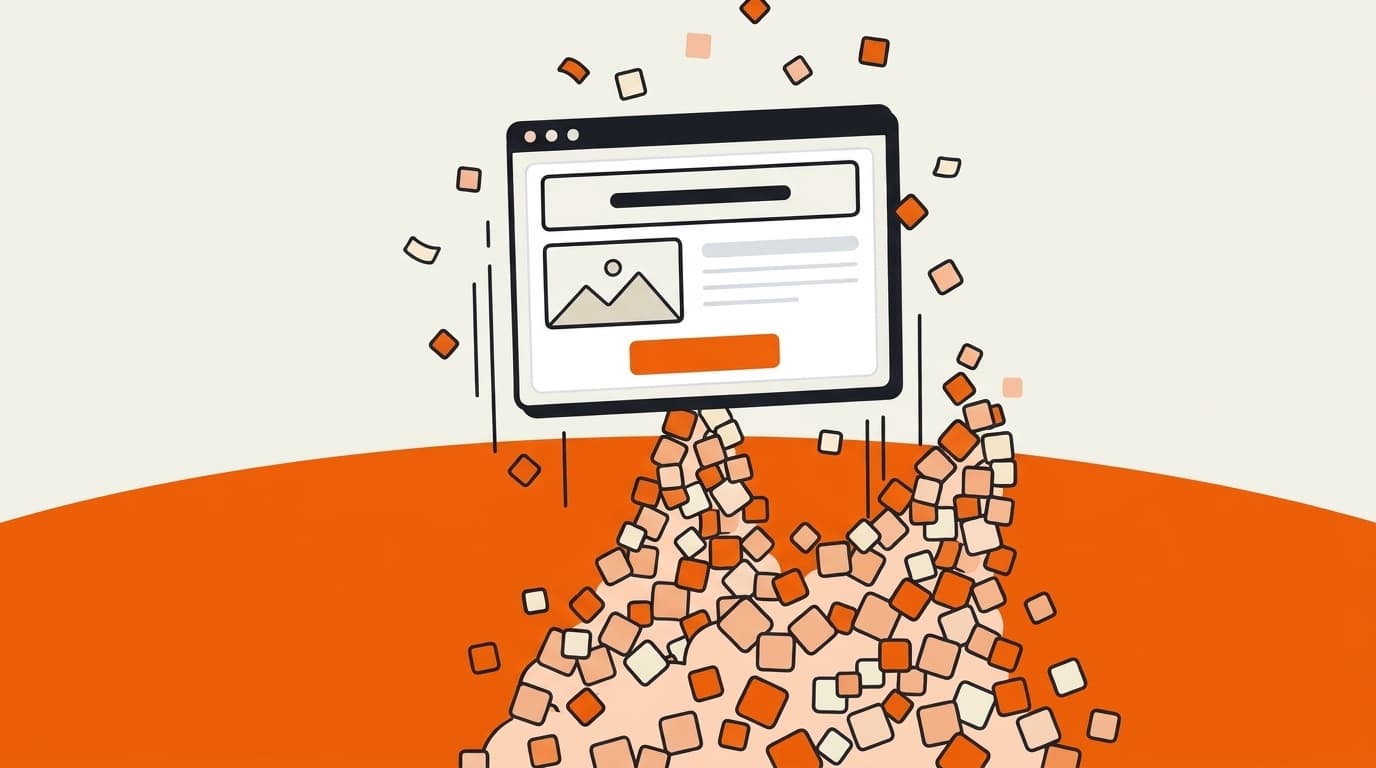
We took a similar approach with our own website. The old site had become inflexible over time: changes were laborious and new pages turned into special cases. Instead of building another large, rigid structure, the new website was built from reusable blocks. New pages can now be put together from existing building blocks and are easier to develop further.
This example shows nicely what step-by-step modernisation is all about: not everything has to be new at the same time. What matters is changing the parts where you'll get the most benefit, without disrupting day-to-day operations unnecessarily.
The point where modernisation becomes unavoidable
At some point, the integration itself can cost more effort than it saves. Maintenance becomes more demanding, errors pile up and new requirements become hard to implement.
And if every change needs yet another workaround, or the old system is increasingly getting in the way, it's time to think about modernisation.
At that point, it may make more sense to fundamentally renew individual parts of the system or to replace the existing system step by step.
The right strategy for every system
Not every legacy system needs replacing. In some cases good integration is enough; in others, step-by-step modernisation makes sense. Only when the technical foundation itself becomes the obstacle does replacement become necessary.
Which strategy fits depends on the system, your business processes and your future requirements.
The goal isn't to get rid of old software at any cost. It's about creating a technical foundation that lets your company keep developing sensibly in the future.
Michael Reich
Founder & Developer
Michael has been building custom software for over ten years and at trefox guides projects from the first prototype through to live operation.